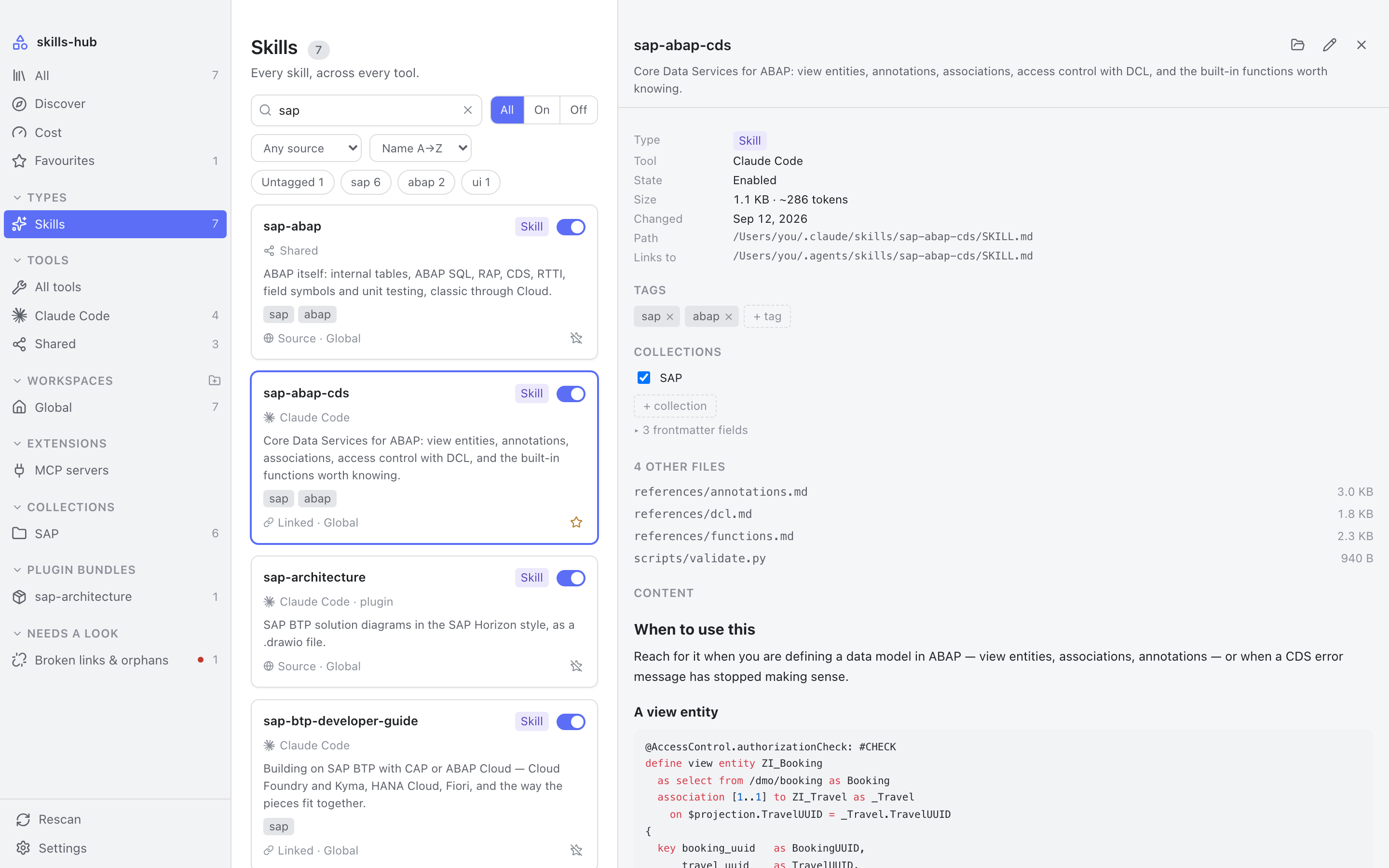
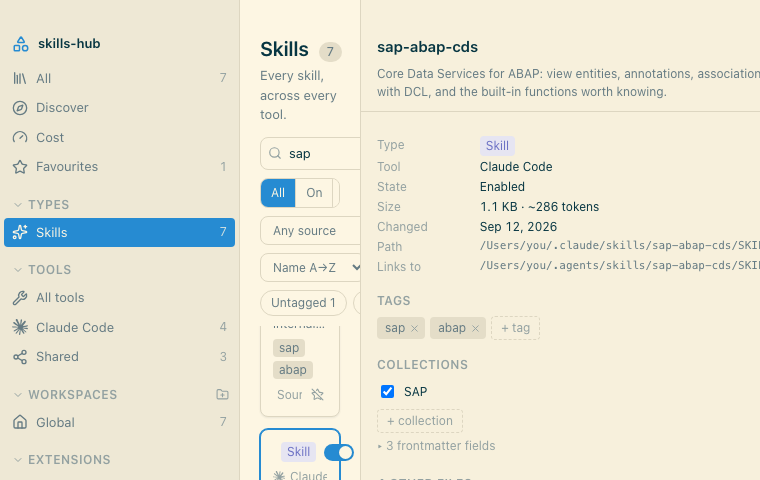
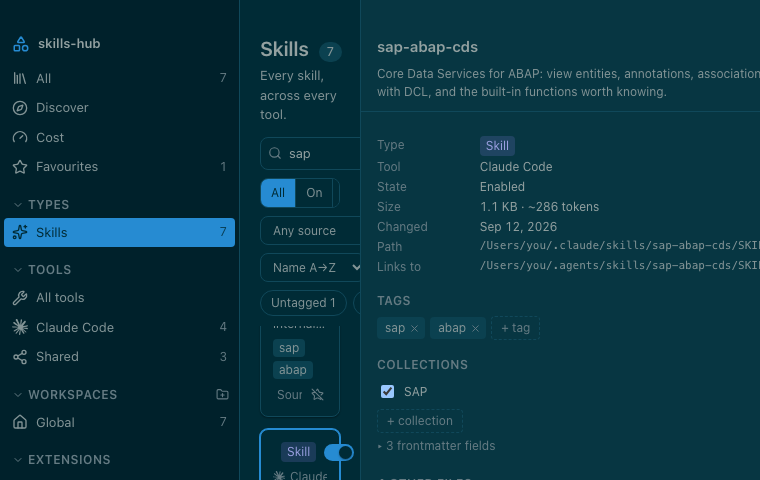
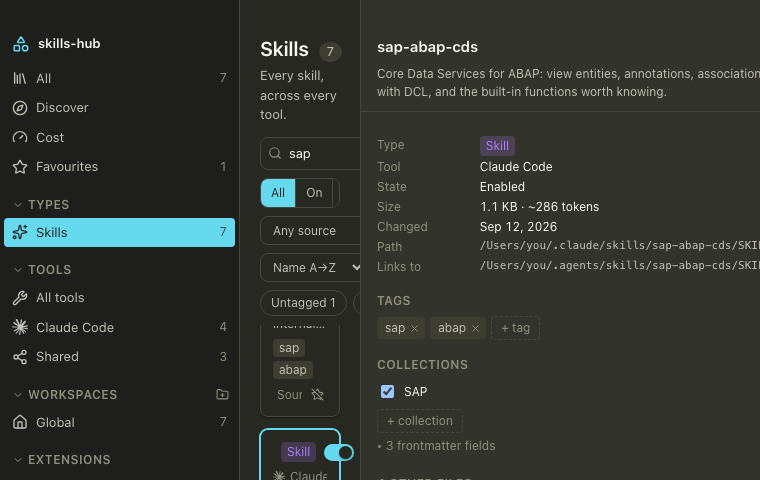
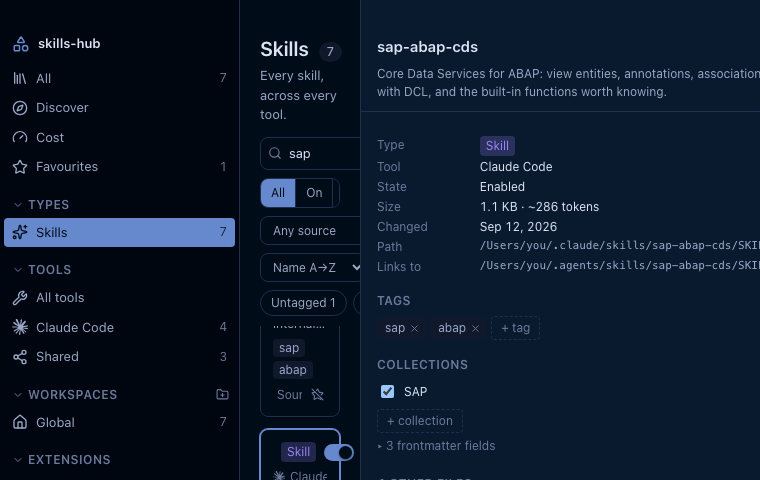
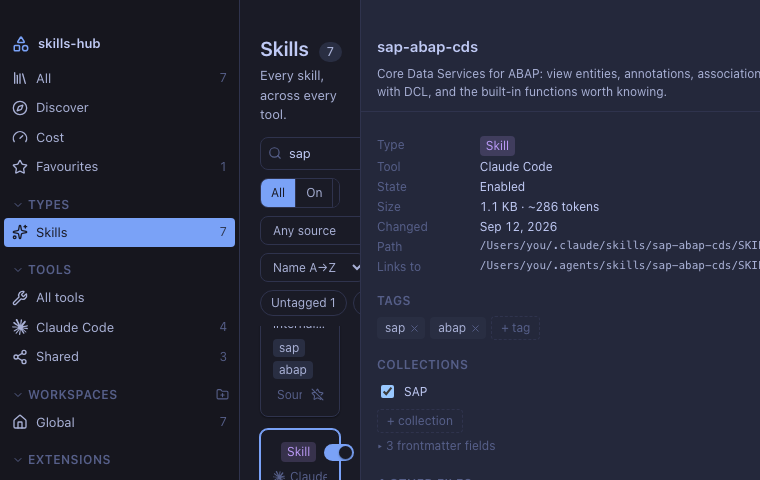
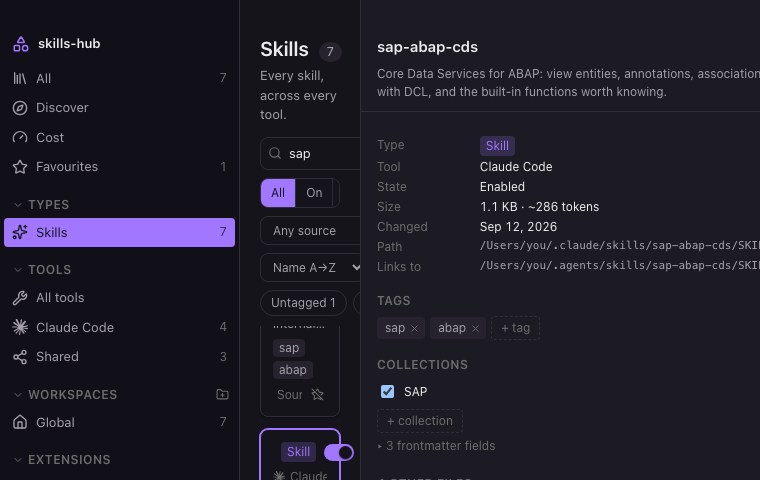
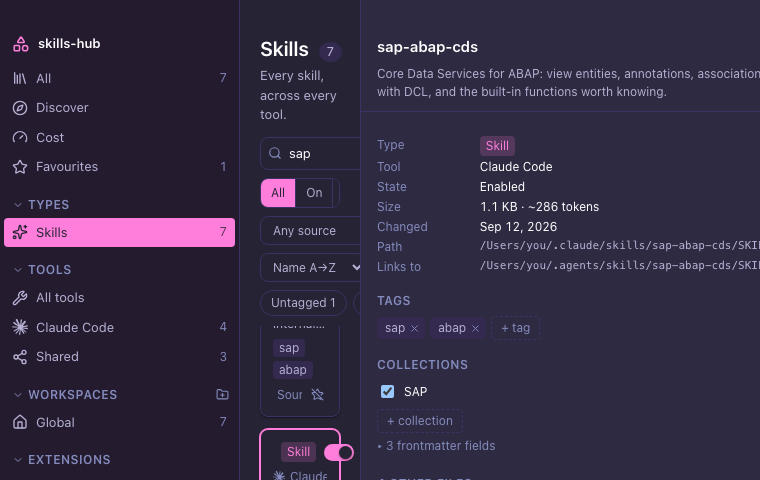
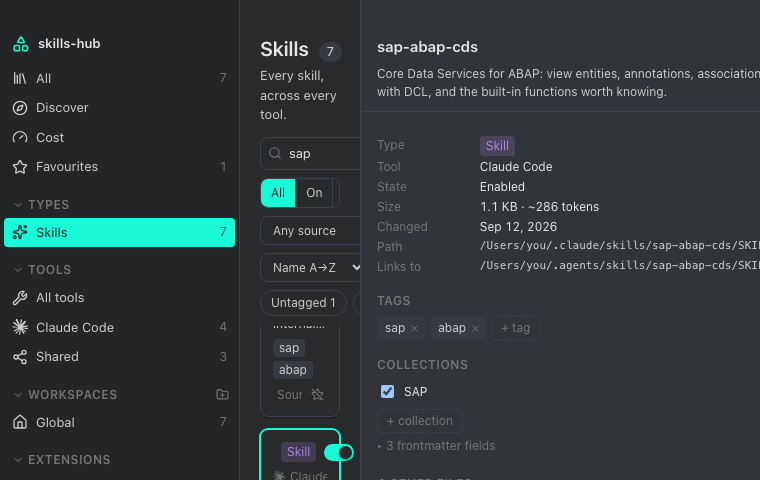
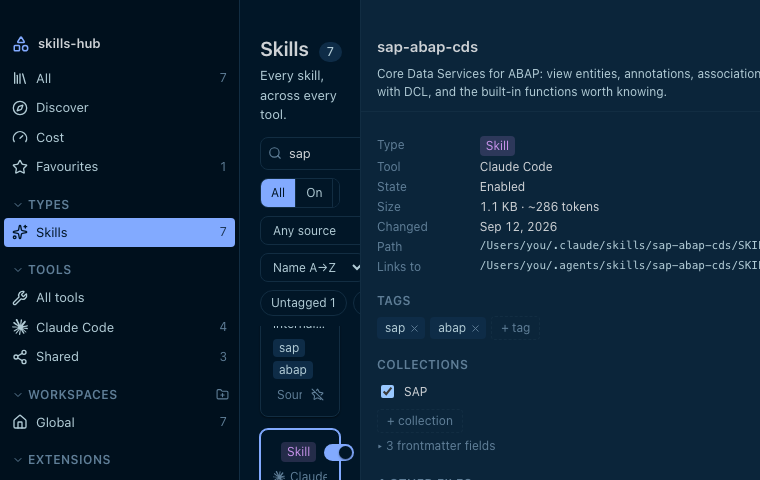
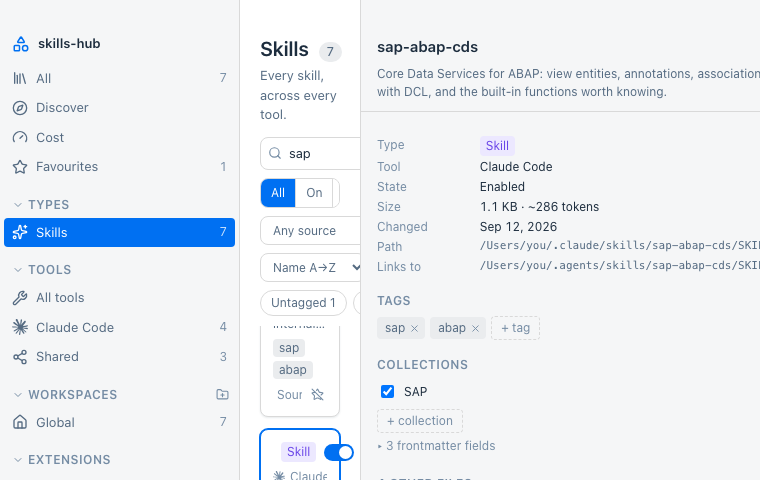
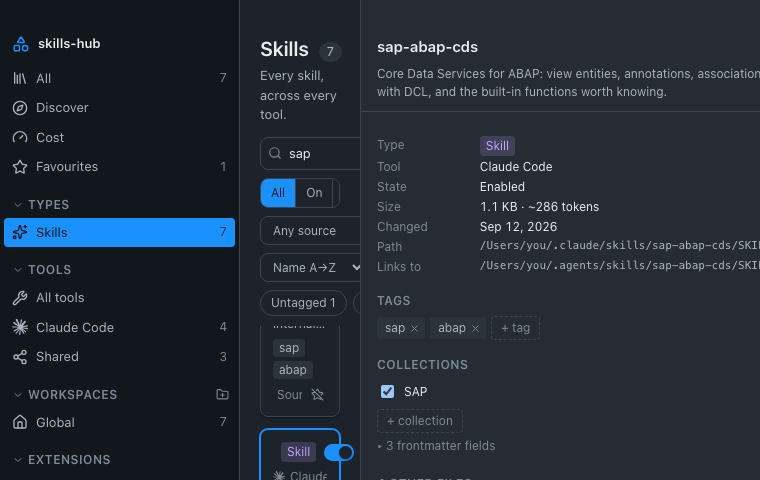
Your skills, agents, commands and rules are scattered across a dozen folders, one
convention per tool. This puts them in one place — and works on the real folders, so
everything it does is a real change.
A checkbox in a manager that never touches the file a tool reads has not disabled
anything. Everything here happens on disk.
On and off, for real
Disabling moves the item out of where the tool looks, and back again. A relative
symlink is recomputed for its new depth rather than replaced, so a shared skills
folder survives the round trip unchanged.
Nothing is copied
Linking a global skill into a project makes a symlink, never a duplicate. Two
copies drift apart the moment one is edited; a link cannot.
Your tags are yours
One small markdown file per item, in a folder you choose. Inside an Obsidian vault
they sync with everything else and stay queryable from Dataview.
It will not quietly delete
A scan that could not read a folder never prunes. A note whose item has gone is
kept for a fortnight — and indefinitely if you put anything in it.
Menubar
Without opening the window at all
On macOS there is a status item with a popover behind it: search the whole library,
switch something on or off, and carry on. It is an NSPanel, so it takes the
keyboard without activating the application — typing in it does not pull you out of your
editor. Close the window and the application stays, in the menu bar.
The popover and the window switch the same files, and each tells the other what changed,
so a card left open in the window does not go on showing the state it had before.
Discover
Install from anywhere, update with your eyes open
Search the skills.sh registry by name, or point it at any repository git can reach. No
account and no token either way — and nothing is overwritten before you have seen what
would change.
Discover
Search finds the repository; watching it finds the skills.
Update
The changed words picked out, and what else moves.
Anything installed this way records the commit it came from. That record is what makes
checking for updates possible — and putting it back exactly as it was.
Cost
See what it all costs
What a tool carries every turn — a name and a description, so the model knows the item
exists — separated from what it loads once the item is actually used. Only the first is
a standing cost.
Cost
Where a tool keeps a session history — Claude Code and Codex do — that history says
which items have really been used, instead of guessing from how old a file is. It is
read on request, not on every scan: 459 MB of it here, in 284 ms.
Tools
Sixteen tools, and room for yours
It writes where they already read. Every path below is a default, editable and checked
against your machine as you type — only the difference from the default is stored, so a
path you leave alone stays free to be corrected by an update.
Claude Code~/.claude/skills
Cursor~/.cursor/skills
Codex~/.codex/skills
OpenCode~/.config/opencode/skills
Antigravity~/.gemini/config/skills
Gemini CLI~/.gemini/commands
GitHub Copilot~/.copilot/skills
Cline~/Documents/Cline/Rules
Trae~/.trae/skills
Windsurf~/.codeium/windsurf/skills
Goose~/.config/goose/skills
Hermes~/.hermes/skills
Pi~/.pi/agent/skills
Roo Code~/.roo/rules
Continue.continue/prompts
Shared~/.agents/skills
Tools
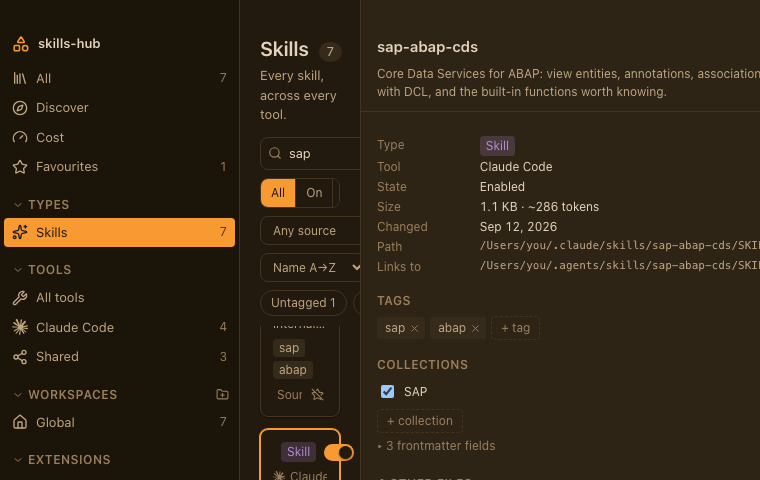
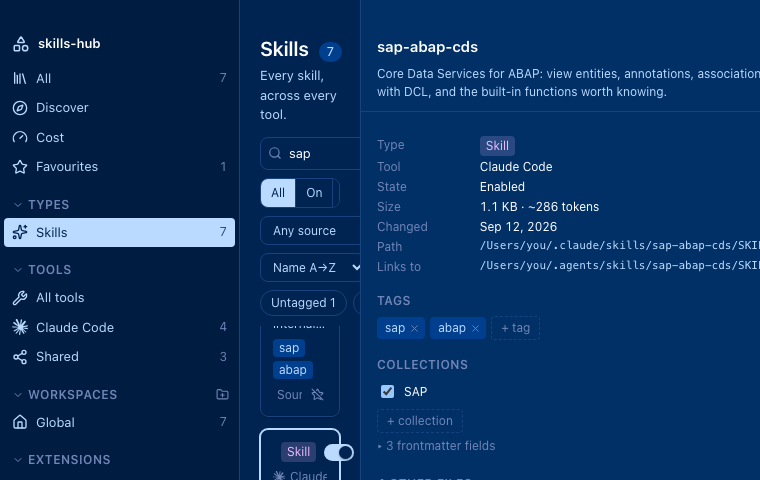
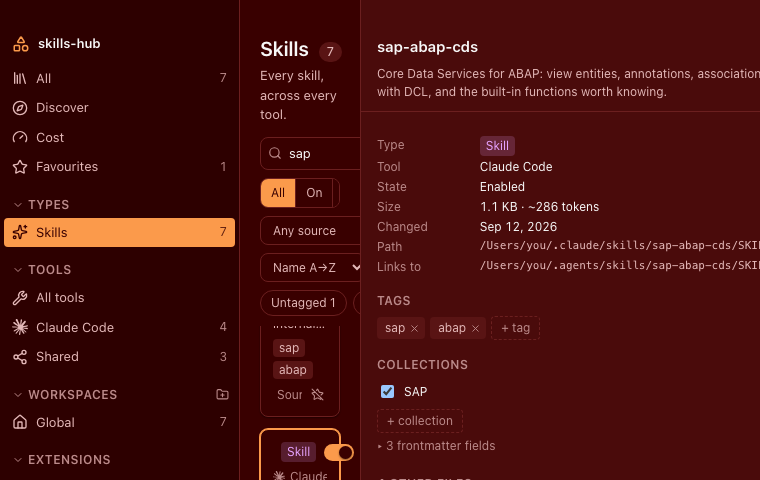
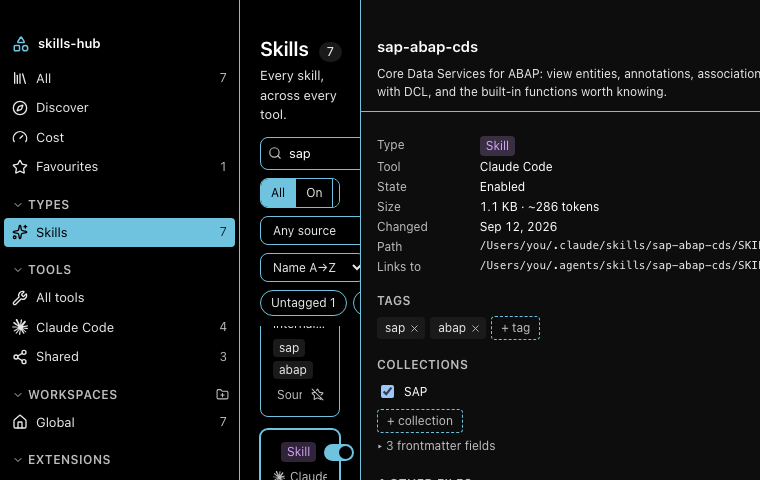
Appearance
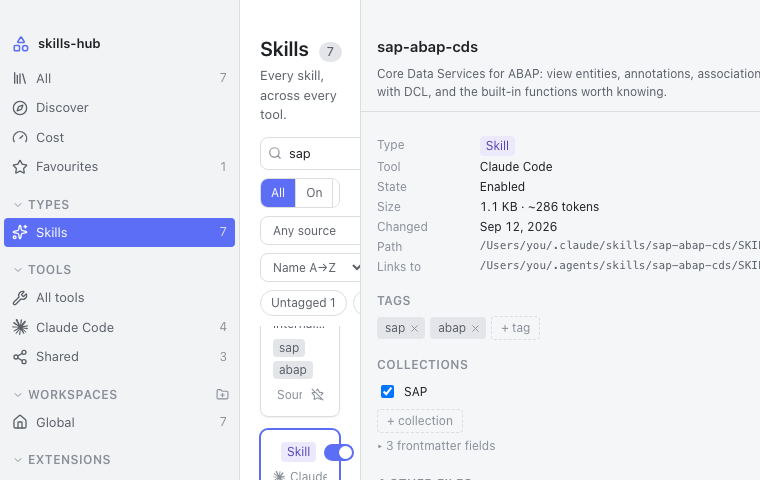
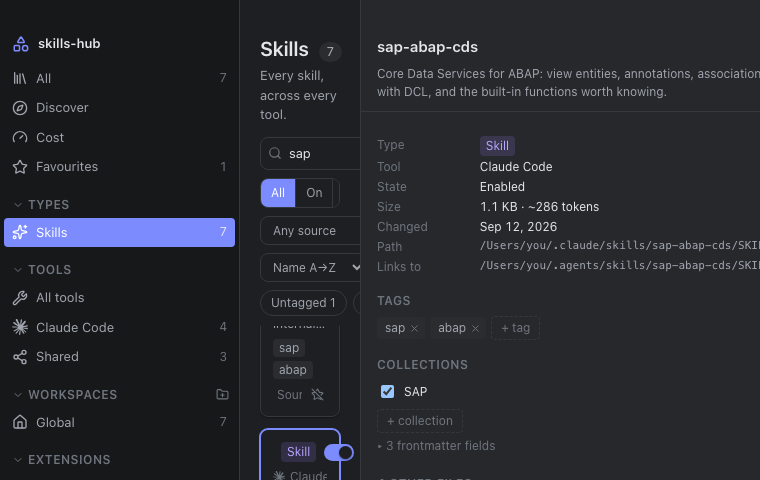
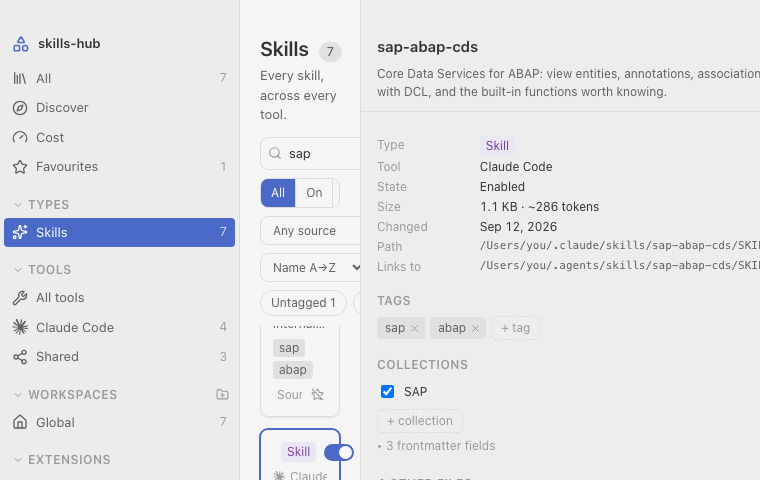
Eighteen palettes, and the type to go with them
The nine VS Code ships with, five you would otherwise install, both SAP Fiori Horizon
themes, and the two it started with. A palette is a set of colours and nothing else —
it never changes a size, a spacing or a typeface.
LightDefault
DarkDefault
Quiet LightVS Code
Solarized LightVS Code
Solarized DarkVS Code
MonokaiVS Code
AbyssVS Code
Kimbie DarkVS Code
Tomorrow Night BlueVS Code
RedVS Code
High ContrastVS Code
Tokyo NightCommunity
AuraCommunity
SynthWave '84Community
PandaCommunity
OvernightCommunity
Morning HorizonSAP Fiori Horizon
Evening HorizonSAP Fiori Horizon
Settings
Three dropdowns, and one of them follows the system until you say otherwise.
The typefaces are their own two settings, because they are their own two decisions: a
sans face for the interface, a monospaced one for code, paths and sizes. Nine families
ship with the application, so a choice looks the same on every machine and needs no
network.
InterfaceSystem · Inter · Geist · Figtree · IBM Plex Sans · Roboto
All of it is tokens. A palette is a block of colours and a typeface is a stack — no
component in the interface knows the name of either, and there is not one hard-coded
colour outside the token files. That is why adding a palette is a block of CSS rather
than a patch, and why 547 KB covers nine fonts: only the Latin cuts are bundled, and a
glyph outside them falls back to the system face.
Architecture
Built to be checked
Three layers, dependencies pointing inwards only. The domain crate never imports the
UI framework — enforced by cargo deny, not by discipline — and
$HOME is injected rather than read, which is what makes the scanner
testable against temporary directories instead of only the machine it runs on.
Layer
Where
Knows about
UI
src/
the generated bindings, and nothing else
Adapter
src-tauri/
Tauri and the domain
Domain
crates/core/
neither of the above
There is also a command-line harness that drives the same domain code from a terminal.
That it can exist at all is the proof the domain really is decoupled.
Get it
One command, or two and a coffee
macOS installs from a Homebrew tap; Windows and Linux take their installer from the
releases page. Building it yourself needs Rust, Node and pnpm, and produces a
.app and a .dmg — or the equivalent for your platform.
Install it
brew install --cask \
  nimble-123/tap/skills-hub
On Windows, winget install nimble-123.skills-hub once the
manifest is
merged; until then, and on Linux, take the installer from the
latest release.
On first launch it asks where to keep its notes. Your skills themselves are never
moved or copied — only those notes live there.
Builds are not signed yet, so macOS will object the first time. Open the app, let it be
refused, then allow it under System Settings → Privacy & Security, where an
Open Anyway button now sits — or take the quarantine flag off
yourself with xattr -dr com.apple.quarantine /Applications/skills-hub.app.
Control-clicking the app and choosing Open no longer works; macOS 15 removed that
bypass.